
Wallet
See in the guideWhat’s my balance?
View your account balance and top up when online payment is available.
The EV-YAR app for drivers: check a station before you leave, start with a QR code, and follow the charge through to the end.
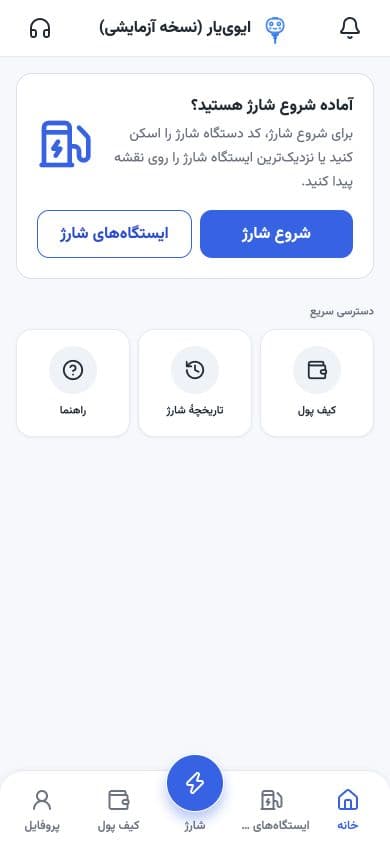
Create an account and verify your identity; charging starts after identity verification. Adding a vehicle is optional.
Four steps, just as you do them in EV-YAR. The battery beside the image fills as you progress.
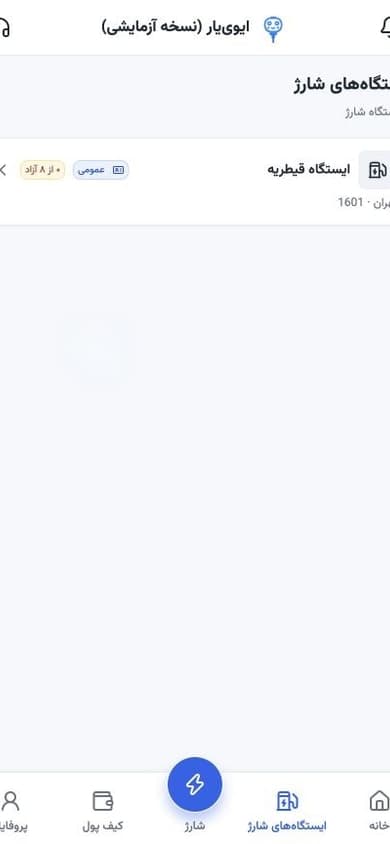
In the Charging stations tab, see usable stations with access type and how many outlets are free.
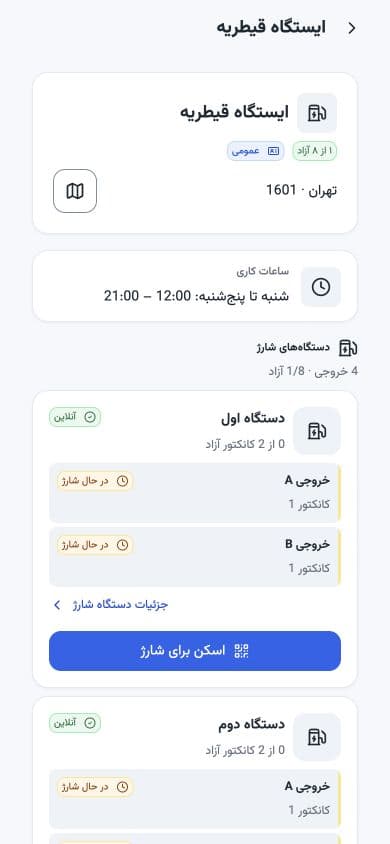
On each station page, see opening hours, chargers, and each outlet’s status—and get directions if you need them.
Connect the right connector to your car and ready the charger; then in the Charge tab, scan the QR on the device.
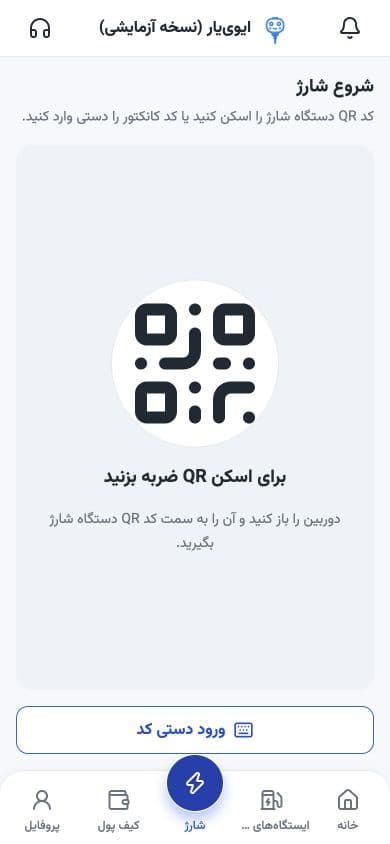
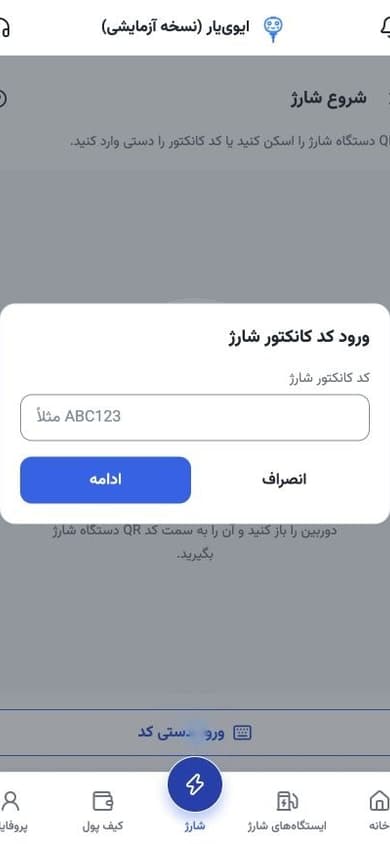
Can’t scan? Tap Enter code manually and type the connector code. After confirmation, watch the session in the app; when you’re done, stop from the app and return the connector once the lock releases.
From the Wallet and Profile tabs, open your balance, charge history, and transactions.
Profile menu: history, vehicles, and support
View your account balance and top up when online payment is available.
Details for each charge: time, status, and session info.
Track account money movements and payment results.
When this guide was written, online payment was temporarily unavailable. Check in-app notices for whether payment is active.
Open the web version and, for quicker access, add it to your home screen. The same URL works on phone and desktop.
Open the web version in Safari; from the Share menu, choose Add to Home Screen and confirm.
Short answers here; full steps are in the how-to-use guide.
From in-app Support, open a ticket or see contact options.
Driver supportYes. Completing your details and verifying identity is required before you can start charging.
Complete account identity verification and see the taxi drivers section in the guide.
In the current flow, adding a vehicle is optional. That step is separate from identity verification required for charging.
Open the web version directly. For quicker access, add it to your phone’s home screen.
Check the station list and live details inside EV-YAR.
Open EV-YAR, get your account ready, and look up the station you need.